TL;DR: OpenClaw is a powerful AI agent for automating tasks — browsing, messaging, scheduling. But it’s not an app builder. When people try to use it to build web apps, they hit three walls: unpredictable output quality, variable execution time, and spiraling token costs. If you want to build and deploy a real web app, you need a tool designed for that — one with built-in database, auth, and hosting that delivers consistent results at a flat price.
OpenClaw Is Everywhere. But Can It Build You a Web App?
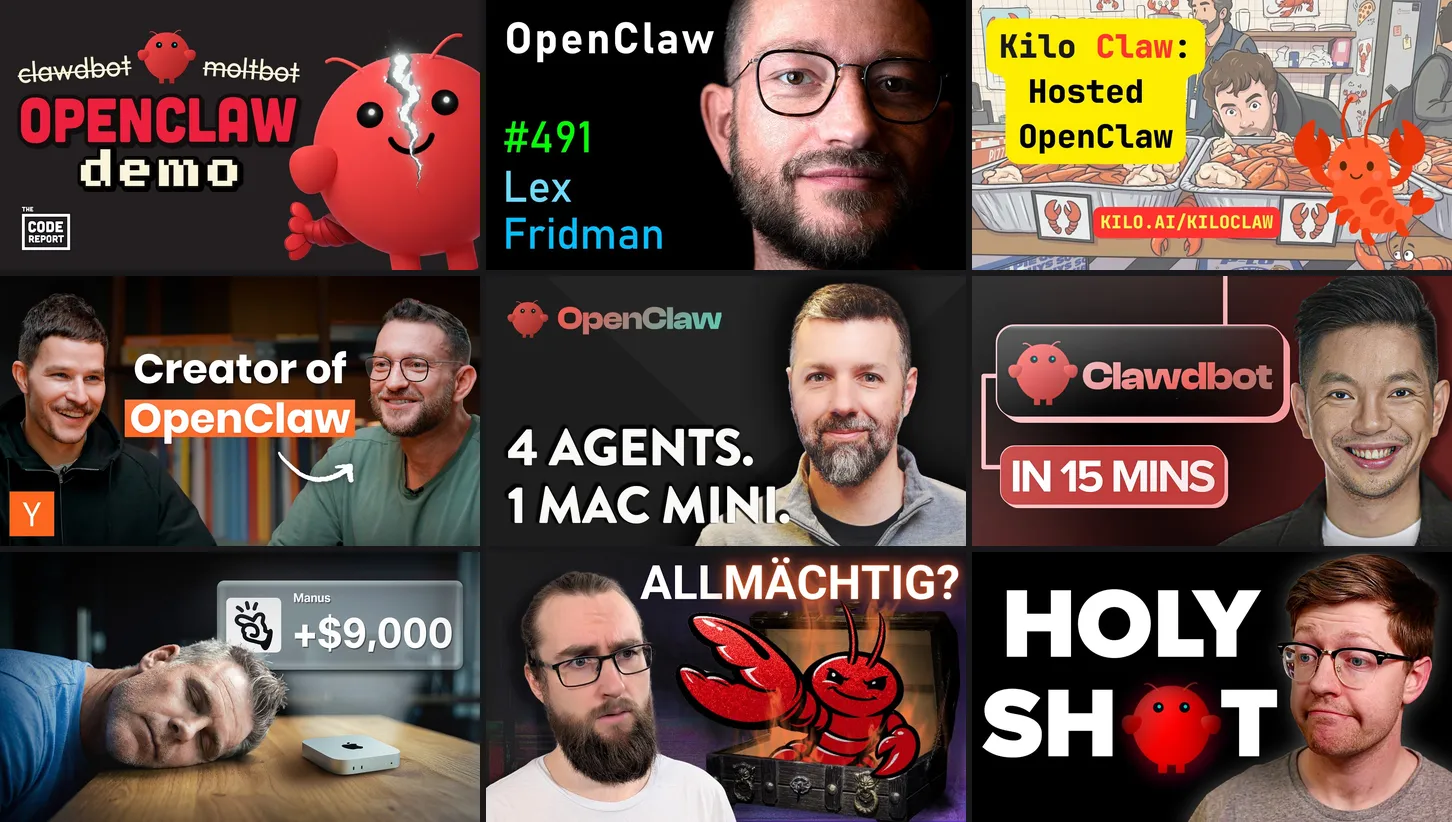
If you’ve been anywhere near tech Twitter, Hacker News, or Reddit in the last few months, you’ve seen OpenClaw. 275,000+ GitHub stars. Hundreds of thousands of developers automating everything from email triage to browser workflows. The project moves fast, the community is massive, and the demos are genuinely impressive.
So at some point, you think: “It can control my browser. It can schedule tasks. It can chain together complex workflows. Surely it can build me a web app?”
You’re not the first person to think this. It’s a reasonable assumption — if an AI agent can do anything on your computer, why can’t it write code, set up a database, and deploy an app?
Some people try it. They prompt OpenClaw to scaffold a React app, wire up an API, maybe even generate a database schema. And they do get something. Files appear on their machine. Some of them even run.
But what they get is unpredictable. Sometimes the code is decent. Sometimes it’s broken in ways that take hours to debug. The token costs stack up fast when the agent retries failed steps. And even when the code works locally, it’s just files on a laptop — not a product anyone else can use.
This article explains exactly what OpenClaw is, what it’s great at, and why it’s the wrong tool if your goal is to build a web application that real people can use.
What OpenClaw Actually Is (And What It’s Great At)
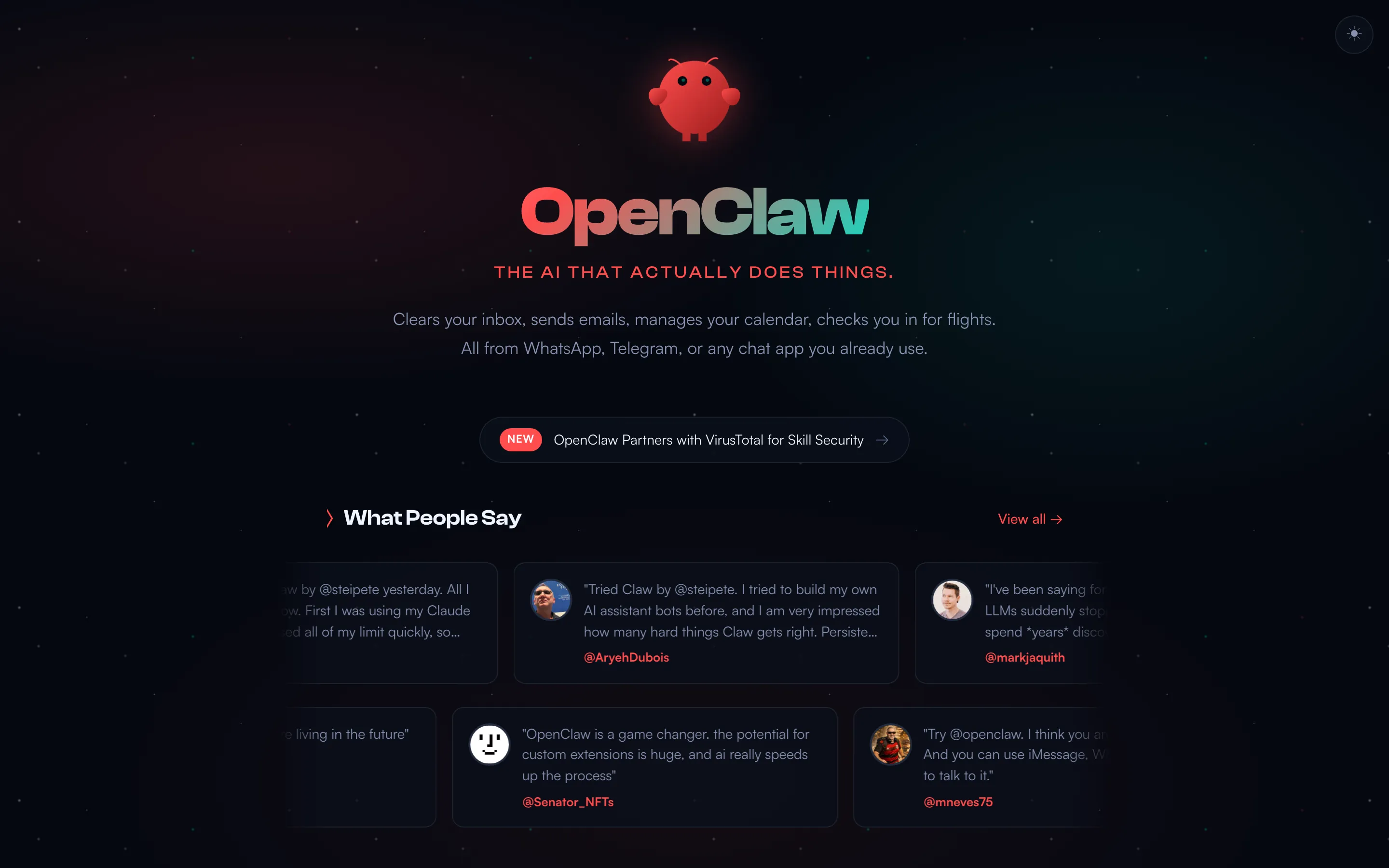
Let’s give credit where it’s due. OpenClaw is a remarkable piece of software.
Created by Peter Steinberger and released as an open-source project, OpenClaw is an AI agent — a system that can autonomously perform tasks on your behalf. It connects to messaging platforms, controls your browser, manages files, and chains together multi-step workflows using a library of over 100 community-built AgentSkills.
Here’s what OpenClaw does well:
- Task automation. Set up recurring workflows — data entry, form filling, report generation — and let the agent handle them.
- Browser control. OpenClaw can navigate websites, click buttons, fill forms, and extract data. It’s a powerful alternative to brittle browser automation scripts.
- Message orchestration. Connect it to Slack, Discord, email, or other platforms and have it triage, respond, or route messages based on rules you define.
- Skill chaining. The AgentSkill ecosystem on ClawHub lets you combine pre-built capabilities into complex workflows without writing code from scratch.
The project’s growth has been staggering. Steinberger recently joined OpenAI, and the community around OpenClaw continues to expand. For what it’s designed to do — automating repetitive tasks and orchestrating multi-step workflows — OpenClaw is legitimately one of the best tools available.
But “automating tasks” and “building a web application” are fundamentally different problems. And the gap between them is wider than most people expect.
The Demo Trap
Before we get into specifics, it’s worth understanding why people assume OpenClaw can build apps in the first place.
The demos are incredible. You watch someone tell OpenClaw to research a topic, summarize the results, format them into a spreadsheet, and email the output — all in real time. The agent navigates browsers, clicks buttons, reads pages, and chains it all together seamlessly. It genuinely looks like magic.
But there’s a critical difference between what you’re watching and what building a web app requires.
Those demos are linear, self-contained tasks. There’s a clear input, a sequence of steps, and a defined output. If the agent makes a mistake on step 4, it doesn’t invalidate steps 1 through 3. Each step is largely independent.
Building a web application is the opposite. It’s a graph of interdependent decisions. The database schema affects the API design. The API design affects the frontend components. The auth model affects the data access patterns. The payment flow touches the database, the auth system, the API, and the UI all at once. Change one thing and six other things need to change with it.
An agent that’s brilliant at sequential tasks can still be terrible at building systems where everything has to be internally consistent. The demo doesn’t tell you this. The demo shows you step 1 of a 200-step process and lets you assume the other 199 will be just as smooth.
They won’t be.
Why OpenClaw Falls Short for Building Web Apps
The core issue isn’t that OpenClaw is bad. It’s that it was never designed for this. When you try to use an AI agent to build a production web application, you run into three problems that compound on each other.
Unpredictable Output Quality
AI agents produce variable results. Give OpenClaw the same prompt twice, and you’ll get two different outputs. Sometimes the code is clean and functional. Sometimes it’s missing critical pieces. Sometimes it introduces bugs that only surface after you’ve built on top of it. This is a well-documented limitation of LLM-powered agents — same prompt, different results.
This variability is inherent to how LLM-powered agents work. Every step in a multi-step task introduces drift. Research on agent drift in multi-step LLM systems shows that behavioral degradation accelerates over extended interactions. If step 3 of a 10-step workflow goes slightly sideways, steps 4 through 10 inherit and amplify that error. There’s no built-in testing, no validation layer, no type checking between steps.
For a one-off automation task, this is manageable — you run it, check the result, maybe rerun it once. For building a web application, where hundreds of interdependent decisions need to be consistent with each other, it’s a fundamental problem. Your authentication logic needs to agree with your database schema, which needs to agree with your API routes, which need to agree with your frontend components. One inconsistency and the whole thing breaks.
With a purpose-built app builder like Mocha, you describe what you want and get a consistent, tested result every time. The platform handles the interdependencies because it was designed to — auth, database, and frontend are built as a unified system, not stitched together by an agent making independent decisions at each step.
Variable Execution Time
Ask OpenClaw to build something simple and it might finish in a few minutes. Ask it to build something complex and you might be waiting hours — with no visibility into when it’ll be done.
The issue is that agents don’t have predictable execution paths. If a step fails, the agent retries. If the retry fails differently, it tries a different approach. If that approach requires additional context, it fetches more information, which takes more time and may introduce more errors. OpenClaw’s own community has requested a stuck-loop detection watchdog because there’s currently no mechanism to detect when the agent is spinning. Users have reported agents calling the same tool with identical arguments hundreds of times.
There’s no progress bar. No estimated completion time. No way to know if it’s making progress or stuck in a loop.
Compare this with Mocha: describe what you want, and your app is built in minutes. Not “maybe minutes, maybe hours” — minutes. The process is deterministic because the platform knows exactly what steps it needs to take to go from your description to a running application.
Spiraling Token Costs
Every action an AI agent takes consumes LLM tokens. Every prompt, every response, every retry. When OpenClaw controls your browser, it’s sending screenshots and page content to an LLM for analysis — that’s a lot of tokens per interaction.
For simple automations, the cost is modest. But building a web application requires hundreds or thousands of chained LLM calls. Database schema design, API route generation, frontend component creation, CSS styling, error handling, testing — each of these is a multi-step conversation with the underlying model.
And here’s where it gets expensive: when tasks get stuck, tokens keep burning. An agent retrying a failed deployment step five times doesn’t just waste time — it wastes money. Users have reported burning 300 bills. One developer traced every token and found 1.8M tokens/month — a $3,600 bill before optimizing.
There’s no cost ceiling. No way to predict what a given task will cost before you start it.
Mocha costs $20/month. That’s it. Build as many apps as you want. Iterate as many times as you need. No token anxiety, no surprise bills, no mental math about whether this next prompt is worth the cost.
The Infrastructure Gap
Let’s say none of the above bothers you. Let’s say OpenClaw generates perfect code on the first try — clean, well-structured, bug-free. You still don’t have a web application.
You have files on your laptop.
To turn those files into something your customers can actually use, you need:
- A database to store user data, content, and application state
- Authentication so users can create accounts and log in securely
- Hosting so the app is accessible on the internet 24/7
- SSL certificates so connections are encrypted
- Domain configuration so people can find your app
- Environment variables for API keys and secrets
- Deployment pipelines to push updates without breaking things
- Monitoring to know when something goes wrong
OpenClaw has none of this. It can generate files, but files aren’t a product. The gap between “code on my laptop” and “app my customers can use” is what we call the Technical Cliff — and it’s the place where most AI-generated projects go to die.
This isn’t a criticism of OpenClaw specifically. It’s a structural limitation of the AI agent approach. Agents operate on your local machine. They don’t come with infrastructure. They don’t manage deployments. They don’t handle the boring-but-critical work of keeping a production application running.
The Iteration Problem
Here’s something nobody talks about: apps aren’t built in one shot.
You build a first version. You show it to a friend, a customer, a business partner. They say “this is great, but can it also do X?” or “the checkout flow is confusing” or “I need to filter by date, not just by name.” So you iterate.
With a purpose-built app builder, iteration is natural. You describe the change, the platform applies it to your existing, living application. The database keeps its data. The users keep their accounts. The URL stays the same. You’re refining a product.
With an AI agent, iteration is a gamble. The agent doesn’t inherently “know” your app. It doesn’t remember the architectural decisions from the last session. Every change is a new conversation where you have to re-explain the entire context — and hope the agent makes decisions consistent with everything it built before.
Want to add a date filter to your dashboard? The agent might restructure the entire component hierarchy to do it. Want to add a new user role? It might rewrite the auth system in a way that breaks existing user sessions. Each iteration risks undoing the work from previous iterations, because the agent isn’t maintaining a mental model of your application — it’s making stateless decisions based on whatever context you provide in the current prompt.
This compounds the token cost problem. Every iteration cycle burns through another round of expensive LLM calls. And because the agent might break things that previously worked, you spend tokens not just on new features but on debugging regressions.
With Mocha, you say “add a date filter to the dashboard” and it adds a date filter to the dashboard. Your existing data, users, and functionality stay intact. That’s the difference between iterating on a platform and re-rolling the dice with an agent.
The Day 2 Problem
Let’s fast-forward. Somehow, against the odds, you’ve used an AI agent to produce working code, manually set up hosting, configured a database, deployed everything, and launched your app. Congratulations. You have a product.
Now what?
Day 2 is when real problems start:
- A dependency gets a security patch. Your app uses a library with a critical vulnerability. Who updates it? The agent doesn’t monitor your dependencies. It doesn’t know your app is running. It built the code and moved on.
- A user reports a bug. The checkout flow breaks on Safari. You need to debug CSS, trace the issue through the component tree, and push a fix — without breaking anything else. The agent didn’t write tests, so you have no safety net.
- Your database runs out of space. Or connections. Or your hosting bill spikes because of unexpected traffic. Who handles scaling? Who migrates the database? Who’s on call at 2 AM?
- You want to add a feature. Six months after launch, you need to add Stripe payments. But the agent made architectural decisions you don’t fully understand, in a codebase you didn’t write, with no documentation. Adding a feature means reverse-engineering your own app.
This is the maintenance tax. Every piece of software requires ongoing care — and AI agents provide zero support for it. They build and walk away. The ongoing burden falls entirely on you.
With Mocha, the platform handles maintenance. Infrastructure is managed. Dependencies are updated. Your app runs on Mocha’s servers, so you don’t worry about scaling or uptime. When you want to add a feature six months later, you describe it and Mocha adds it — same as day one.
The Prompt Engineering Burden
There’s an irony at the heart of using AI agents to build web apps: to get good results, you need to already know what good looks like.
Want the agent to build a secure authentication system? You need to know enough about auth to prompt for password hashing, session management, CSRF protection, and rate limiting. If you just say “add login,” you might get a system that stores passwords in plain text.
Want a well-structured database? You need to understand normalization, indexes, foreign keys, and query patterns. If you just say “store user data,” the agent might create a single table with everything jammed into JSON columns.
Want responsive CSS that works on mobile? You need to know about flexbox, media queries, viewport units, and touch targets. If you just say “make it look good,” you get something that works on the agent’s simulated viewport and breaks on every real device.
This is the fundamental paradox: the people who can write prompts good enough to produce production-quality code are the same people who could just write the code themselves. Non-technical founders — the people who would benefit most from AI-built apps — are the least equipped to prompt an agent into producing something robust.
Mocha solves this by absorbing the expertise into the platform. You don’t need to know about database normalization or CSRF protection. The platform makes those decisions correctly because it’s been engineered to. You describe what your app should do, not how it should be architected.
The Comparison at a Glance
| AI Agent (OpenClaw) | AI App Builder (Mocha) | |
|---|---|---|
| Output quality | Variable, unpredictable | Consistent, tested |
| Execution time | Minutes to hours, unpredictable | Minutes, predictable |
| Cost model | Per-token (uncapped) | Flat $20/month |
| Database | None | Built-in |
| Auth system | None | Built-in |
| Hosting | None | Built-in |
| Deployment | Manual (you figure it out) | Automatic |
| Security | ClawHub supply chain risks | Platform-managed |
| Who uses the output | You | Your customers/users |
The Security Problem
There’s one more issue that deserves its own section: security.
OpenClaw itself is open-source and auditable. Anyone can read the code, verify what it does, and contribute improvements. That’s genuinely good. But the AgentSkill ecosystem on ClawHub is a different story.
In early 2026, Cisco’s security research team published findings showing that ClawHub hosted skills performing data exfiltration and prompt injection attacks. Of 31,000 analyzed agent skills, 26% contained at least one vulnerability, with 13.4% having critical-level issues. A skill named “What Would Elon Do?” was identified as malware that silently exfiltrated data and used prompt injection to bypass safety guidelines. Snyk’s independent ToxicSkills study corroborated the findings, detecting prompt injection in 36% of skills.
The skill repository lacked adequate vetting. There was no rigorous review process for submitted skills, no sandboxing of skill execution, and limited visibility into what a skill actually does at runtime. OpenClaw has since integrated VirusTotal scanning, but the damage to trust was done.
This matters more than it might seem. When you give an AI agent full browser control plus system-level file access, and then let it run third-party code from an unvetted marketplace, the blast radius of a compromised skill is your entire machine. Your browser sessions, your saved passwords, your local files, your SSH keys.
Most non-technical users — the people most likely to reach for an AI agent to avoid writing code — are also the people least equipped to audit skill source code for malicious behavior.
With a platform like Mocha, security is managed at the platform level. Your app runs on Mocha’s infrastructure, not your local machine. There’s no third-party skill marketplace to worry about. You’re not granting system-level access to unvetted code.
What to Use When You Want to Build Something Real
If you want to automate tasks — browser workflows, message routing, recurring data processing — OpenClaw is a strong choice. It was built for that, and it does it well.
If you want to build a web application — something with a database, user accounts, and a URL that your customers can visit — you need a different tool. You need something designed from the ground up to produce complete, deployable applications.
That’s what Mocha does:
- Predictable quality. Describe what you want in plain language. Get a working application with consistent results every time. No prompt-to-prompt variance, no compounding errors across steps.
- Predictable time. Apps are built in minutes. Not “maybe minutes, maybe hours” — minutes. You can iterate in real time, adjusting and refining as you go.
- Predictable cost. $20/month, flat. Build as many apps as you want. No token counters, no surprise bills.
- Complete infrastructure. Database, authentication, hosting, SSL — all built in. Your app is live the moment it’s built. No deployment pipeline to configure, no server to manage.
- No security gambles. Everything runs on Mocha’s platform. No third-party skills, no system-level access grants, no unvetted code on your machine.
People use Mocha to build real things: booking systems for salons, custom CRMs, form tools that replace Typeform, client portals, micro-SaaS products, internal business tools. These aren’t mockups or prototypes — they’re production applications with real users.
Here’s what that looks like in practice — going from idea to working app with zero technical knowledge:
If you’re curious how fast this can go, we turned a PRD into a live app in one hour. And if you want tips on getting the best results, our guide to working with AI builders covers everything we’ve learned.
Frequently Asked Questions
The Bottom Line
OpenClaw is a remarkable tool for what it was designed to do — automating tasks, controlling browsers, orchestrating workflows. It deserves every one of those 275,000+ GitHub stars.
But building web applications requires a different set of capabilities: predictable output, integrated infrastructure, managed security, and flat-rate pricing. AI agents weren’t built for this. AI app builders were.
If you want to build something real — something your customers can use, something that runs 24/7, something that doesn’t require you to become a DevOps engineer — start building with Mocha.
More resources:
- Compare AI app builders for 2026
- Tips for getting results with AI builders
- From PRD to live app in one hour